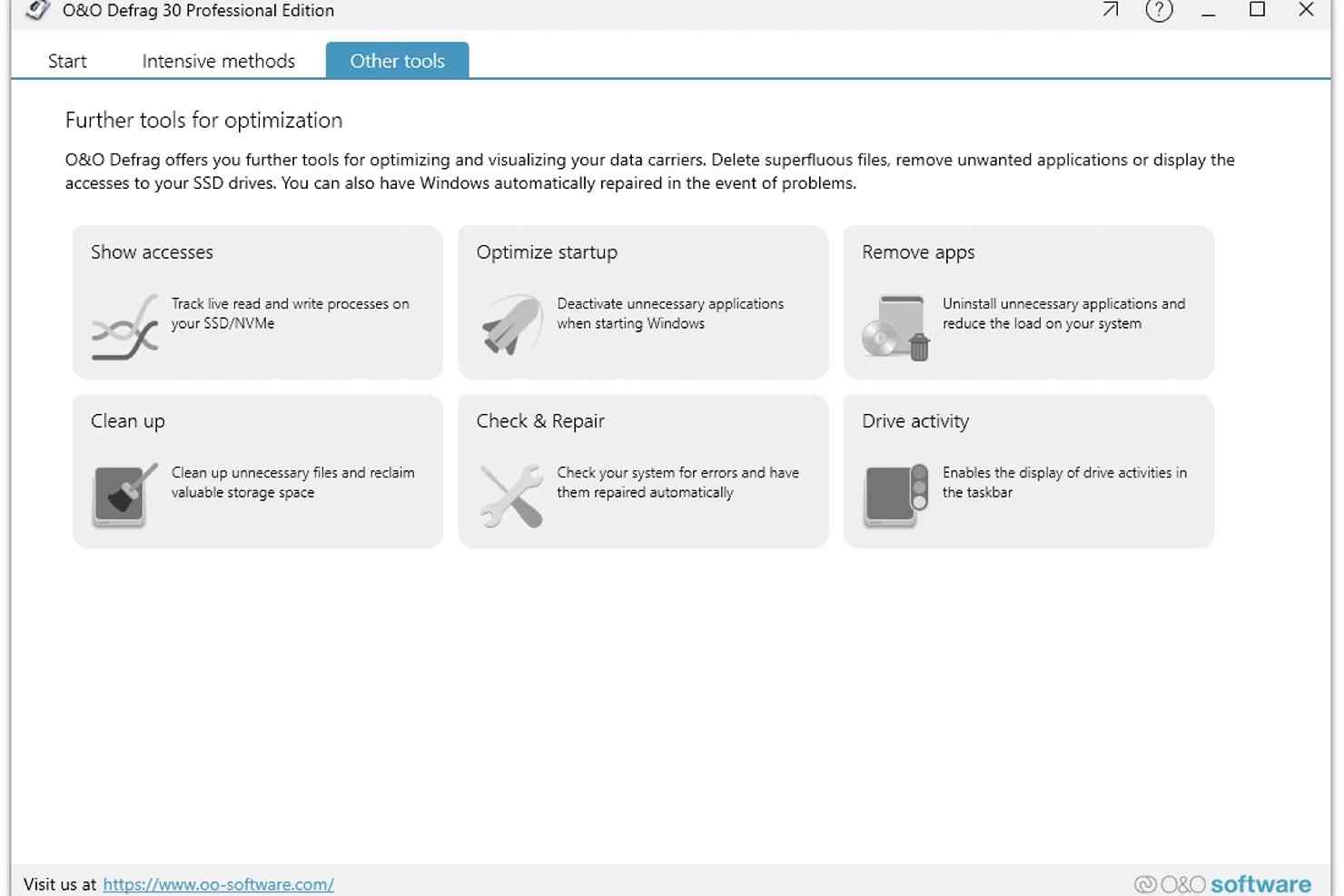
O&O Defrag is a powerful and highly configurable hard drive defragmentation package.
At first the program looks much like any other defrag tool. Launch it, and you’ll be presented with a list of your drives. Selecting one displays the usual mosaic-style map of its file layout. Then click Start and just watch as O&O Defrag reorganises its files to deliver the maximum possible performance.
This is just the start, though. Do you have multiple drives, for example? Select as many as you like and the program can defragment them all, simultaneously.
You don’t have to use one particular defrag strategy, either. Instead, you can have your files organised by their file name, access date, last modified date and more, whatever best suits your needs. Or if that’s not enough then you can set up an entirely custom layout scheme which optimises Windows, application files and your user data to deliver the best possible system performance.
As you might guess, this probably isn’t the best choice for the PC novice. But it’s not overly complex, either. Once you’ve set O&O Defrag to work as you’d like, it’ll run mostly in the background, defragmenting your hard drive automatically as required, while you get on with other things. And because it’s so light on resources, and can be configured not to run at all if your system is busy or other heavy-duty programs are running, it’s most unlikely to ever get in your way.
Verdict:
O&O Defrag is a powerful and very configurable defrag tool, that will not only correct existing fragmentation problems, but also automatically optimise your hard drive in real time to prevent them from reoccurring in the future
(1)
System & Desktop Tools
Specifications
Changelog
What’s new in v31?
NEW: A significantly optimized engine delivering faster performance than ever before. We have significantly optimized the underlying engine, resulting in noticeably faster performance. This means quicker processes, improved efficiency, and an overall more responsive experience
NEW: A completely redesigned user interface for a modern and improved user experience. We have introduced a completely redesigned user interface that offers a modern look and a more intuitive user experience. Every element has been carefully crafted to improve usability and make navigation smoother than ever. The new design is based on the current Windows style and provides a significantly clearer structure, faster orientation, and easier everyday use
Improved: O&O DiskCleaner for getting rid of unwanted data
Improved: Drive health indicator based on S.M.A.R.T. data, making problems visible at an early stage
Deal of the Day
-61%
iolo System Mechanic Professional 25
Powerful all-in-one system maintenance suite
Offer Ends In: